From kiln
to cart.
A studio and shop app for independent potters. List your pieces, keep glaze notes and sell from your phone.

List a piece from your workbench.
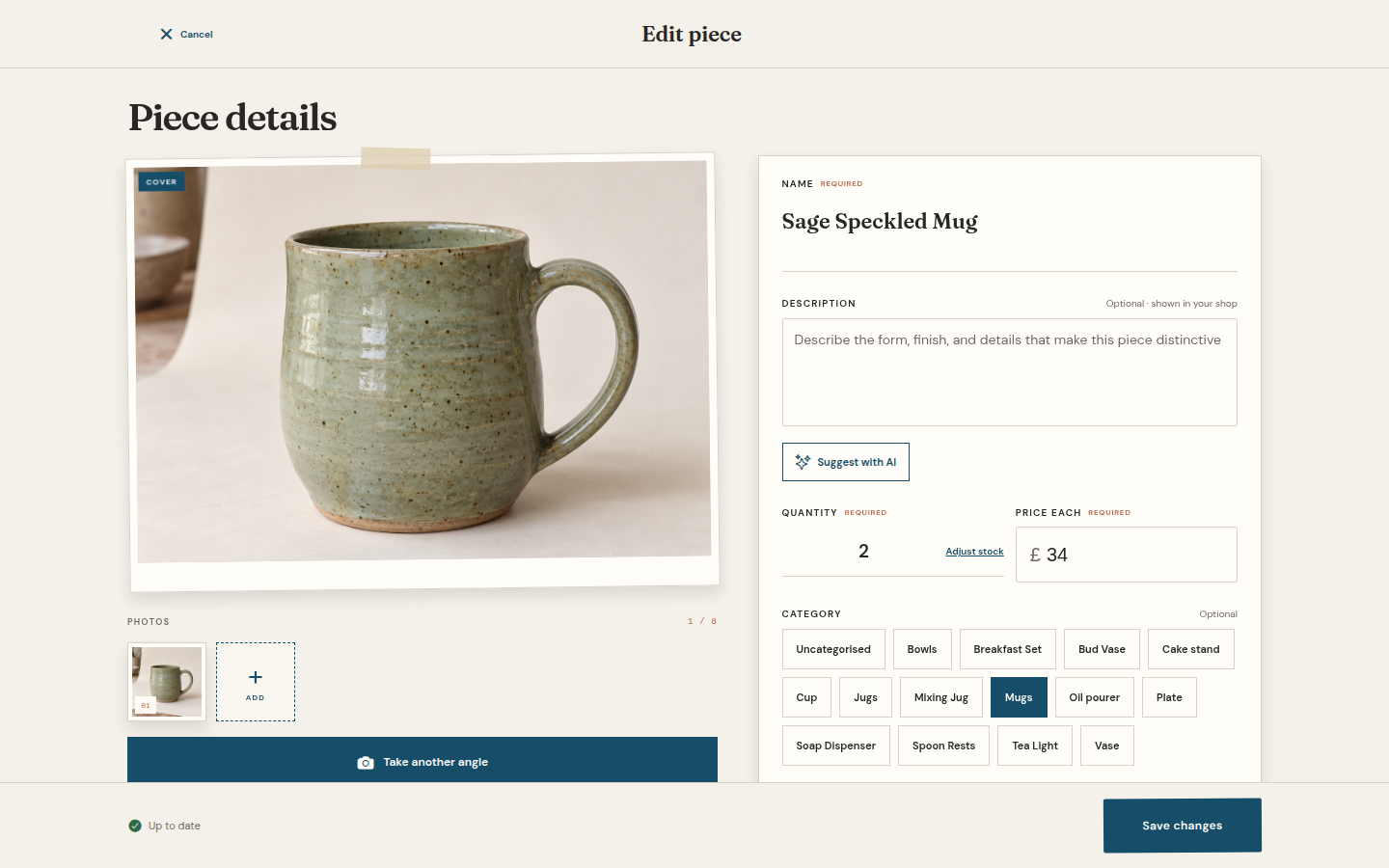
Take up to eight photos, then add a name, quantity and price. Save a draft or publish it to your shop.
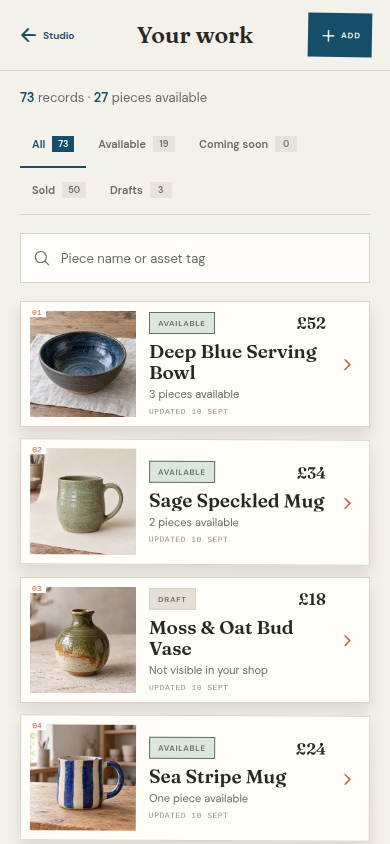
Keep the piece, glaze and recipe together.
Find available pieces, drafts and sold work in one inventory.
- ✓
One-offs and small batchesRecord a single pot or set a quantity for a batch. No SKU required.
- ✓
Glaze and recipe recordsLink fired samples and recipe notes to the pieces that used them.
About draftsDraft means an unfinished shop listing. Early access does not track greenware, bisque or firing stages.
A shop under your studio's name.
Publish available pieces alongside your studio story and archive. Wheelhouse updates orders and remaining stock after checkout.
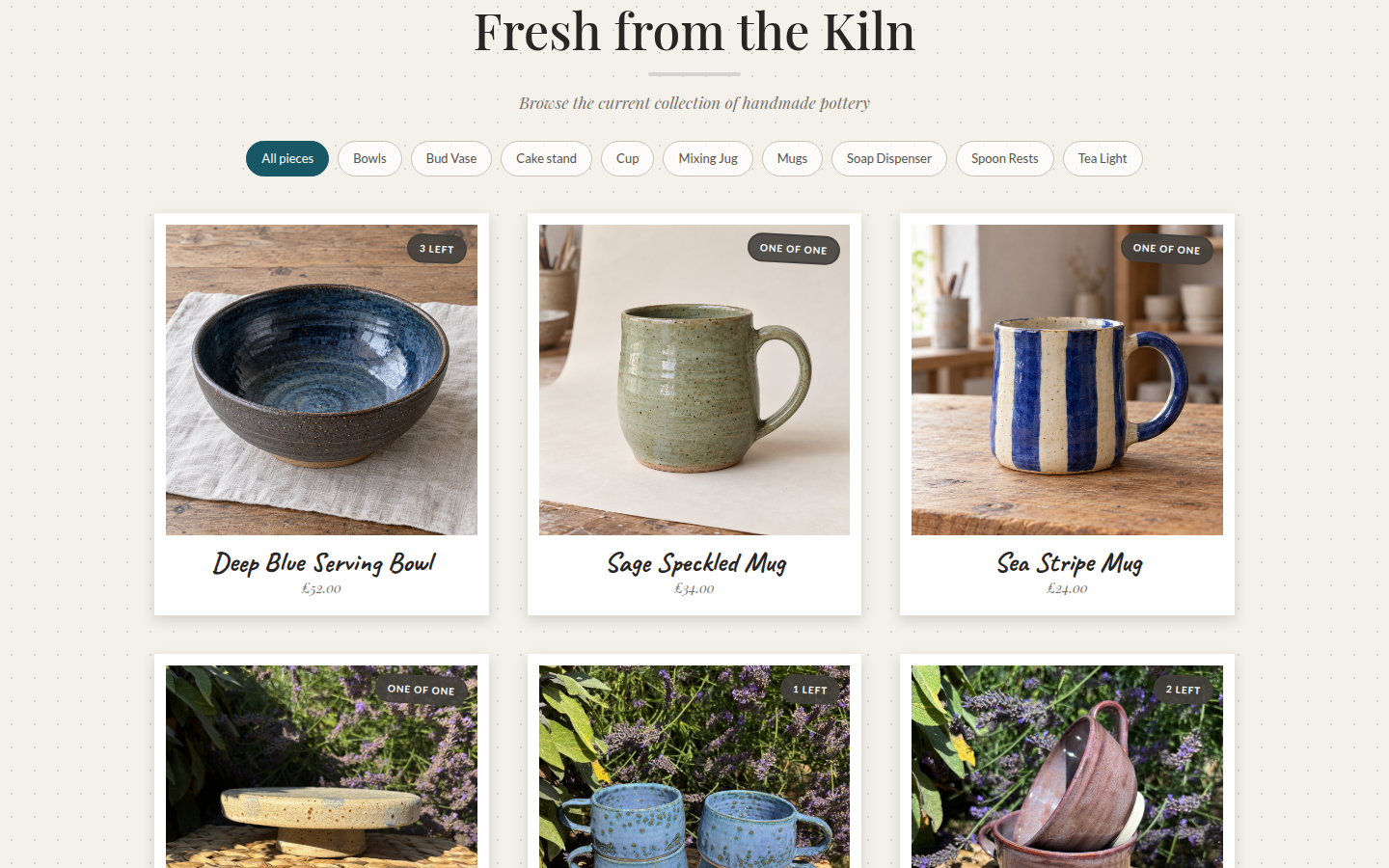
Keep a gallery of past work.
Sold pieces stay in your archive. Customers can contact you about similar work. A request inbox to help plan another firing is planned after the pilot.
PLANNED REQUEST INBOX
Cobalt studio mug
interested
- Midnight blue 11
- Oatmeal 5
- Other 2
Inside Wheelhouse
A closer look.
Choose a feature to explore the details. These are real screens from a sample studio.
Feature 1 of 5: Listing pieces
Listing pieces
Start with the photos you already have.
Choose photos from your library or take them at the workbench. Add a name, quantity and price, then save a private draft or make the piece available in your shop.
One pot or a small batch
Set a quantity for matching pieces. Each listing has a price per piece and space for up to eight photos.
Try Wheelhouse
Make yourself at home.
Explore a sample studio. Edit a pot, add a glaze or record a sale. No account needed.
Your changes stay in this tab. Reset the demo whenever you like.
Before you join.
01Pricing and launch
Pricing and the public launch date are not set. We will show you the Wheelhouse fee and seller terms before you open an account.
Joining the waitlist does not open an account or start a subscription.02Listings and stock
Each listing has a link you can share. Wheelhouse updates the available quantity after checkout and keeps sold pieces in your archive.
Publish a one-off piece or set the quantity for a small batch.03Checkout and fulfilment
Stripe handles card checkout and payouts. You remain the seller. Wheelhouse records shipping or collection and lets you mark paid orders ready, shipped or collected.
You handle packing, dispatch, returns, refunds and customer messages.04Your waitlist email
We store your email in Wheelhouse's waitlist so we can send access updates. Joining does not add you to a general marketing list.
Ask hello@trywheelhouse.app to delete it at any time.Join the Wheelhouse waitlist.
We're opening early access to UK potters one studio at a time. Enter your email and we'll tell you when your studio can create an account.
Join the waitlist Questions about access or your data? hello@trywheelhouse.app